

+13 options for MySims™ cheat engine.
MySims™, developed by Maxis, published by Electronic Arts.
Explore a new world with MySims™ — it’s your world to transform in this retro re-release with updated graphics! Move to an adorable town. With a little creativity and some help from the locals, you can make this place thrive!
How to use cheat engine?
1. Install Cheat Engine
2. Double-click the .CT file in order to open it.
3. Click the PC icon in Cheat Engine in order to select the game process.
4. Keep the list.
5. Activate the trainer options by checking boxes or setting values from 0 to 1


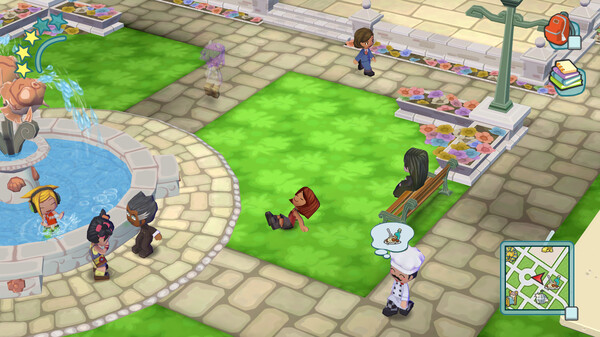
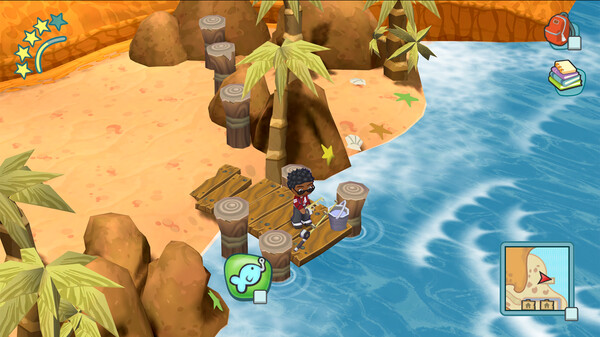
MySims™ Cheat Engine
The game is compatible with all versions of Windows. If you experience a DLL error, please ensure to download the most recent version of the .NET Framework.
Updates Log:
-Updated for the latest GUI.