

+29 options for 居家模拟器(Home Simulator) cheat engine.
居家模拟器(Home Simulator), developed by WangYue Studio, published by WangYue Studio.
A relatively casual and free exploration game, where you will be exploring a villa. Most of the items in the house are interactive, and you can freely make a mess in the house!
How to use cheat engine?
1. Install Cheat Engine
2. Double-click the .CT file in order to open it.
3. Click the PC icon in Cheat Engine in order to select the game process.
4. Keep the list.
5. Activate the trainer options by checking boxes or setting values from 0 to 1
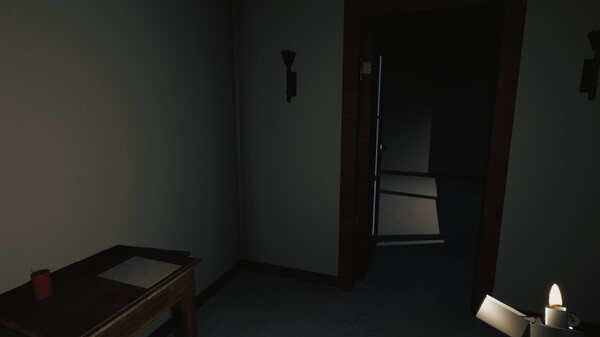
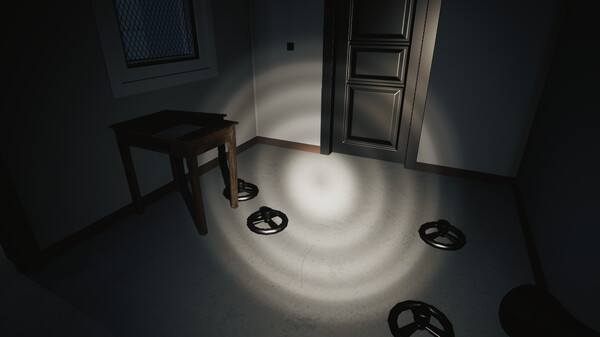
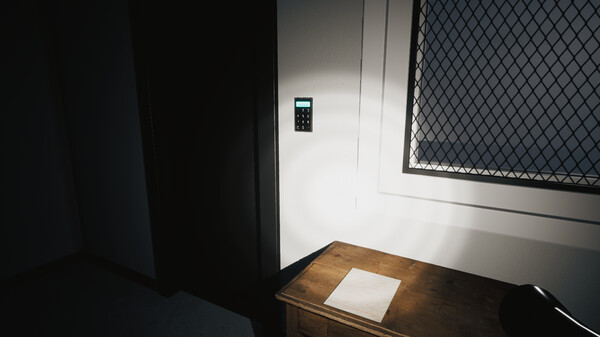
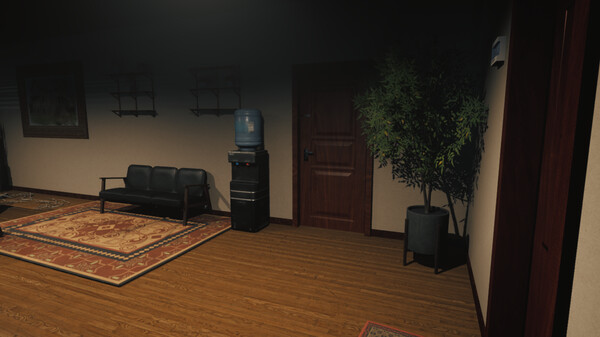
居家模拟器(Home Simulator) Cheat Engine
The cheat table offers 9+ options and is compatible with all game versions. We will upload the trainer to our website as soon as it’s updated. You can access the settings by pressing the F6 key.
Update Log:
Fixed bugs and mirror issues.